
Automation Tasks
Automated task overview, permission drive, multi-task concatenation and execution weight.
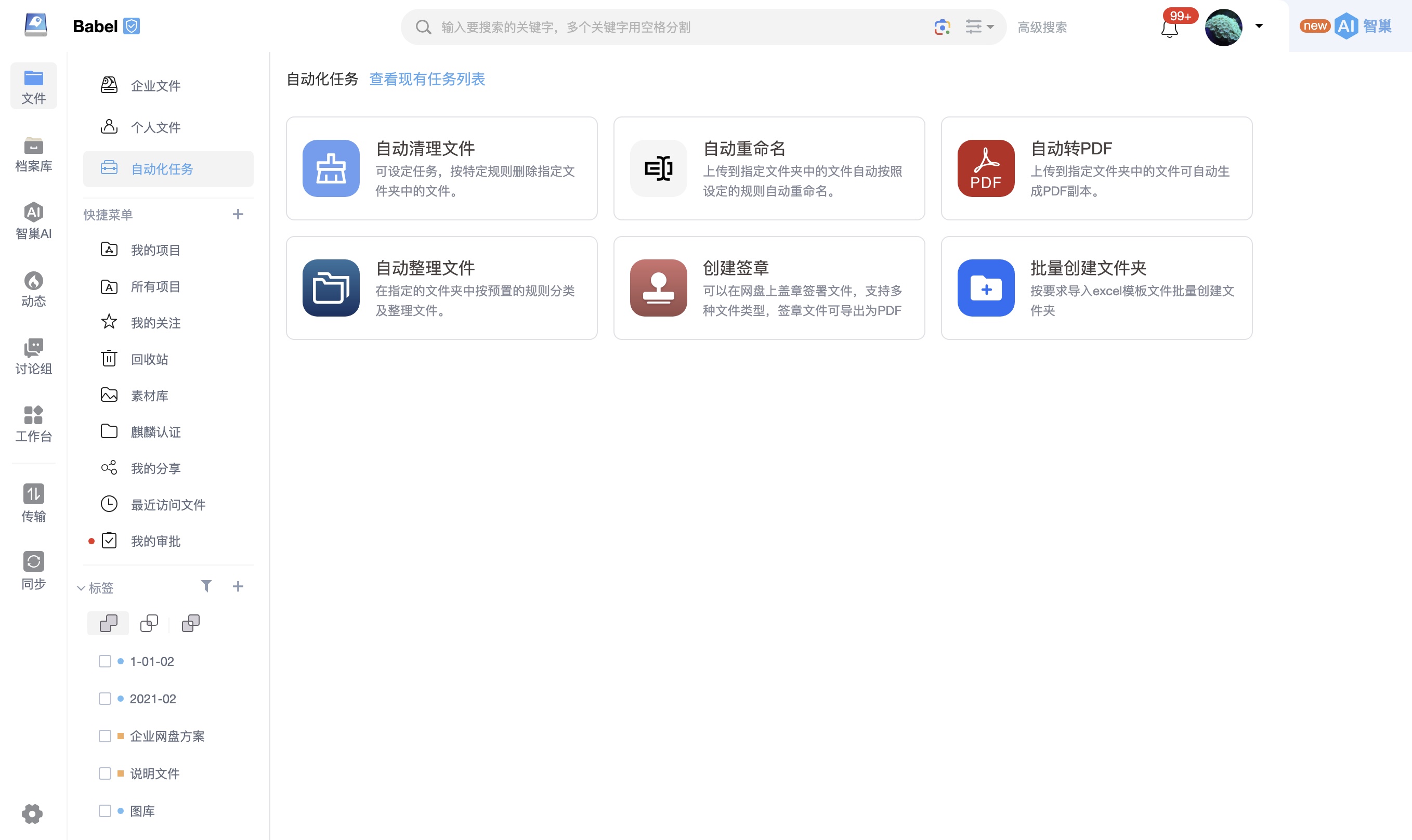
Facing the growing number of digital assets, the traditional manual file management model can no longer meet the demand for efficient circulation. The "automated task" engine launched by BabelBird aims to hand over tedious and repetitive file processing actions to the system background for automatic execution. By establishing a "self-organizing and self-standardizing" intelligent circulation system, the cost of manual intervention is significantly reduced, allowing the team to focus on core business creation.
Automated tasks are included in the standard version and users do not need to purchase it separately.
Core operating mechanism:
Flexible permission-driven: Relying on the platform's extremely fine-grained permission management system, users with corresponding permissions on the target network disk or folder can independently configure, turn on or off specific automation tasks as needed.
Multi-task flow concatenation (Workflow): Automated tasks do not run in isolation and support the free combination of multiple rules to form a workflow. For example: after a file is uploaded, the system can first trigger "automatic rename" to standardize the file name, and then immediately trigger "automatic sorting" to archive it to the relevant directory, achieving multiple steps in one go.
Continuously expanding capability matrix: The automation engine is highly scalable. In addition to the existing basic functions, the platform will continue to access more automated processing nodes to meet increasingly complex business scenarios.
Currently supported core tasks (including but not limited to):
Automatic renaming: Unify and standardize naming according to preset rules (such as keyword replacement, case conversion).
Batch rename: Apply naming rules once to selected files, useful for historical cleanup, photo archiving and migration intake. See Batch Rename.
Automatic organization and cleaning: Automatically classify archived files based on trigger conditions, or clean up space regularly based on policies.
Automatic PDF conversion and signature: Automatically generate a PDF copy of the source file, or stamp the company signature in the cloud.
Create folders in batches: Generate a standard business directory tree with one click by importing data templates (such as Excel).
Multi-task collaboration and execution flow weight
In complex business scenarios, multiple automated tasks are often configured in one folder. In order to ensure the logical rigor and security of data processing, a strict automated processing sequence is preset at the bottom of the system.
The specific execution weight (the higher the value, the priority for execution) is as follows:
Automatically clean folders (weight 10): highest system priority. If there are qualified cleaning tasks, they will be executed first to avoid investing subsequent computing power in invalid data that will be discarded.
Automatic decompression (weight 9): Prioritize the release of packaged assets for subsequent circulation.
Automatic renaming (weight 8): Priority is given to completing the standardization and unification of naming before files enter classification and archiving.
Automatic format conversion category (weight 7): Prioritize conversion tasks such as transferring PDF, pictures or audio and video formats.
Automatic sorting/sorting (weight 6): Executed as the end node of the flow. This means that core pre-standardization operations such as cleaning, renaming and format conversion have been completed before files are moved and classified.